

Two sides, one app
One loyalty app for your customers and your counter
A loyalty app only works when both sides want to open it. Sopoints is one loyalty app with two faces: a free customer loyalty app for iOS and Android that holds every card, balance and nearby merchant in one place, and a business side that turns any tablet, phone or counter computer into a loyalty POS screen. There is no hardware to buy and no separate app to build, and customers can start without downloading anything.
The customer side: a free loyalty rewards app
- Wallet: the customer’s points at each shop they use, the rewards each shop offers, plus a history of what was earned and redeemed.
- Nearby merchants: a map and list of businesses that accept the points, so a customer who earned at one place discovers the next.
- QR code and NFC tap: two ways to identify at the counter in a second, with a phone number as the fallback.
- Apple Wallet and Google Wallet cards: a digital loyalty card that sits beside their payment cards and updates with the balance.
- Notifications: reward unlocked, points expiring, a birthday offer, or a bonus-points happy hour starting at a favourite shop.
- Scan & Pay: at merchants who enable it, pay by card, Apple Pay or Google Pay inside the app and earn points on the same transaction.
- Waitlist: join a participating venue’s queue or book a table and earn on the same account.

The business side: a loyalty POS screen on any device
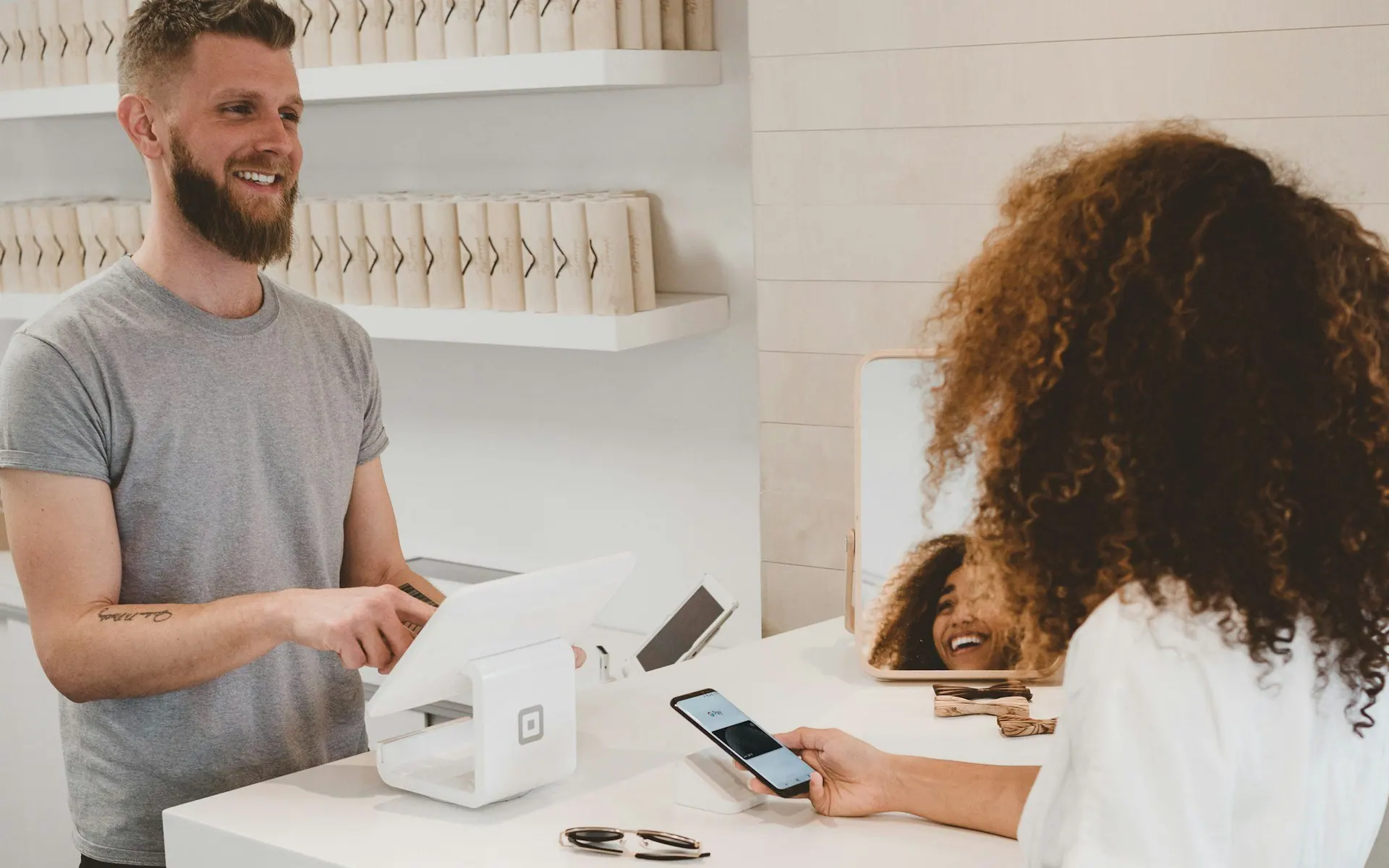
The loyalty app for business is not a separate download. Staff open the Sopoints POS screen in a browser on the device already at the counter: an iPad, an Android tablet, a phone or the computer next to the till. They look up the customer by phone number, scan the QR code from the customer’s app or wallet card, or accept an NFC tap, enter the sale amount and award points. Redemption is the same screen.
Owners and managers get the rest of the program from the same account: rewards and tiers, scheduled campaigns and happy hours, birthday offers, win-back messages to lapsed customers, customer analytics such as repeat rate and redemption rate, staff roles, and customer list export with balances on every paid plan. It works alongside any POS with no integration required.

Do customers have to download an app?
No, and it is worth being clear about this because many programs quietly depend on downloads that never happen. A customer can join your program with just a phone number at the counter. Staff type the number, the account is created, points are awarded, and that customer earns on every visit from then on without installing anything.
The app adds convenience rather than acting as a gate. Customers who install it see their balance, get a QR code and NFC tap for faster checkout, add an Apple Wallet or Google Wallet card, receive notifications, and find nearby merchants where their points are accepted. Many people start with a phone number and download the app once they have a balance worth checking. Both paths lead to the same account.
Why one shared loyalty app beats an app for every shop
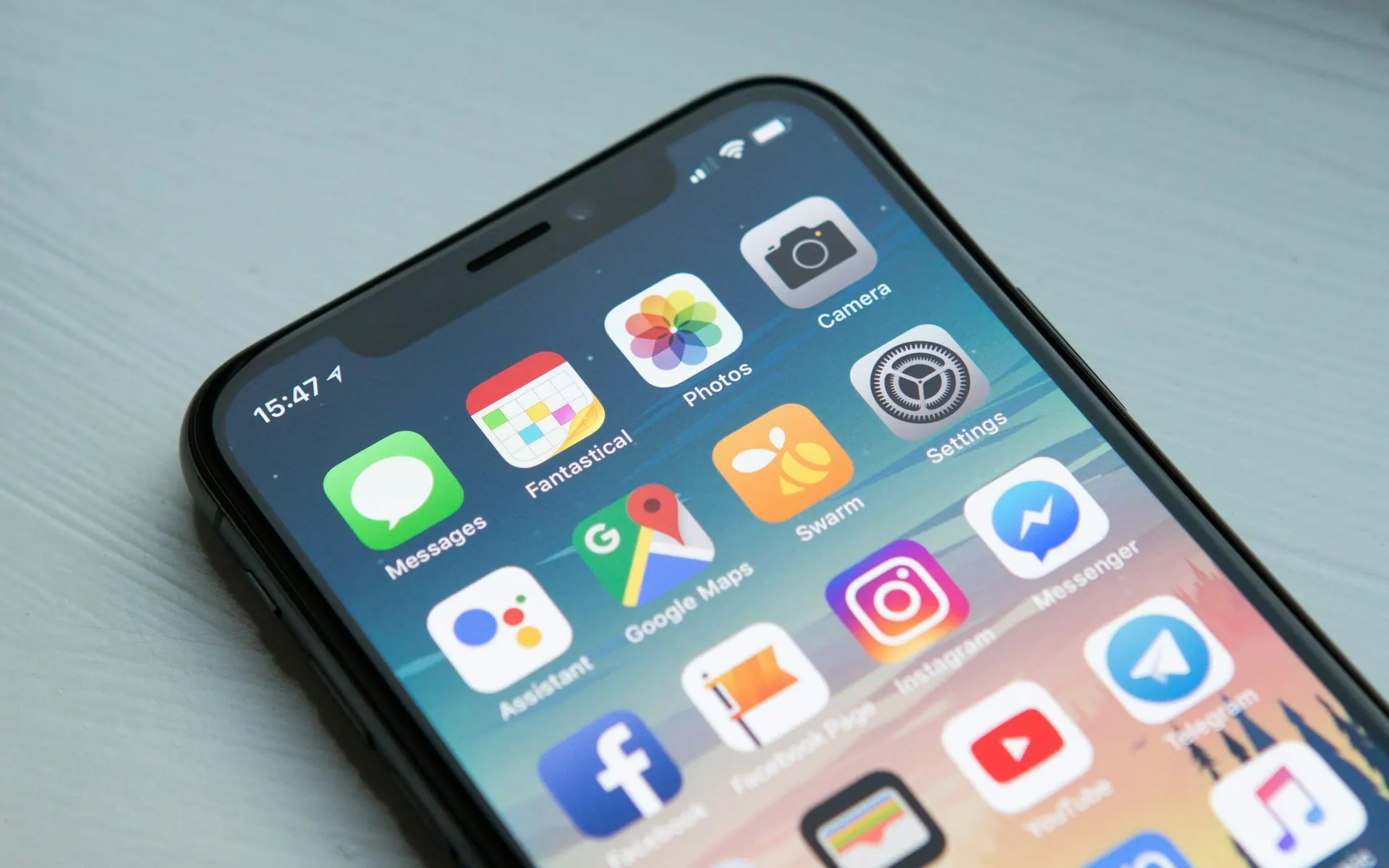
Ask anyone how many single-store loyalty apps they keep on their phone and the honest answer is few, if any. Each one has to be downloaded, signed up for and remembered, and a shop with one location cannot generate enough visits to earn a permanent place on someone’s home screen.
A shared customer loyalty app changes the maths. The customer installs one app because it works at the cafe, the salon, the bookshop and the restaurant. Each shop keeps its own program and rewards inside it, so a customer who already has the app can join yours at the counter without installing anything new.
Sopoints serves Canada and the United States and bills in CAD or USD. US businesses can see the US page for how your own program works there in full from the first day.
Digital loyalty cards in Apple Wallet and Google Wallet
Some customers will never open a loyalty app but will happily add a card to the wallet they already use to pay. Sopoints issues a digital loyalty card to Apple Wallet and Google Wallet that carries the customer’s QR code and shows their balance. At the counter they hold up the card, staff scan it, and the points are awarded.
The card is tied to the same account as the phone number and the app, so nothing gets out of sync. A customer can move between all three ways of identifying themselves from one visit to the next and the balance follows them. The digital loyalty card page covers setup in more detail.

What the loyalty app for business does not do
- It is not a white-label app. Customers see the Sopoints brand with your business inside it; there is no option to publish the app under your own name.
- It does not read your sales automatically. Staff enter the sale amount on the POS screen. Sopoints works alongside any POS, but there is no live POS integration.
- It does not replace a card terminal for every payment. Scan & Pay handles card, Apple Pay and Google Pay inside the app at merchants who enable it; you keep your existing terminal for everything else.
- It does not use biometrics. Identification is by phone number, QR code or NFC tap only, with no facial recognition or fingerprints.
Getting set up
Create a free account, name your business and set your earn rule and first reward. Open the POS screen on the device at your counter and award your first points the same day. Add staff with the roles they need, put up a small sign inviting customers to ask about points, and switch on Apple Wallet and Google Wallet cards so customers have a reason to save your program.
When you are ready, the pricing page shows what paid plans add: multi-location, advanced campaigns, SMS notifications and priority support. Nothing on the free plan expires, and there is no contract to begin.
What each side of the loyalty app does
The customer app and the business POS screen share one account and one balance.
| Job | Customer app (free, iOS and Android) | Business POS screen (any device) |
|---|---|---|
| Identify at the counter | QR code, NFC tap or phone number | Scan, tap or type the number |
| Points and rewards | See balance, history and available rewards | Award points, redeem rewards, set the rules |
| Wallet cards | Add to Apple Wallet or Google Wallet | Turn cards on; they update automatically |
| Finding customers | Map of nearby participating merchants | Analytics: repeat rate, lapsed customers, redemption rate |
| Messages | Push notifications and email | Campaigns, birthday offers, win-back messages |
| Payments | Scan & Pay by card, Apple Pay or Google Pay | Show a QR code; payouts to your own Stripe account |
Questions
Loyalty app questions
Is the Sopoints loyalty app free for customers?
Do my customers have to download the app to earn points?
What does the loyalty app for business run on?
Can I have the app branded with my own name and logo?
How is a shared loyalty app different from having my own?
Can customers pay in the app too?
Is the loyalty app available in the United States?
Put the loyalty app on your counter today
Create a free account and open the POS screen on the device you already have. Your customers can start with a phone number; the app is there when they want it.