

Waitlist and queue management
Waitlist management software. Zero wait, full control.
Turn a crowded front door into an orderly queue. Live position updates for guests, zones and tables for your staff, kiosk mode, reservations with deposits, and automation, all in one place.
Live queue
4 waitingExample- Sarah M.party of 4 · PatioNotified
- James K.party of 2 · MainWaiting
- Maria L.party of 6 · MainWaiting
- Alex T.party of 3 · PatioWaiting
Features
Everything you need to manage queues
From walk-in guests to advance reservations, handle every part of the front door with tools built for hospitality.

Real-time queue
Live updates show guests their place in line and every status change as it happens, without refreshing.
Kiosk mode
A full-screen view for a tablet at the door, with large touch-friendly buttons for quick guest check-in.
Tables and zones
Set up your tables, rooms or bays by zone, then match each party to a spot that fits their size.

Reservations
Accept bookings with time slots, party size and zone preferences, with deposit requirements and cancellation policies.

SMS and push alerts
Tell guests by SMS or push when their table is ready. Edit the message templates to sound like you.
Payments and deposits
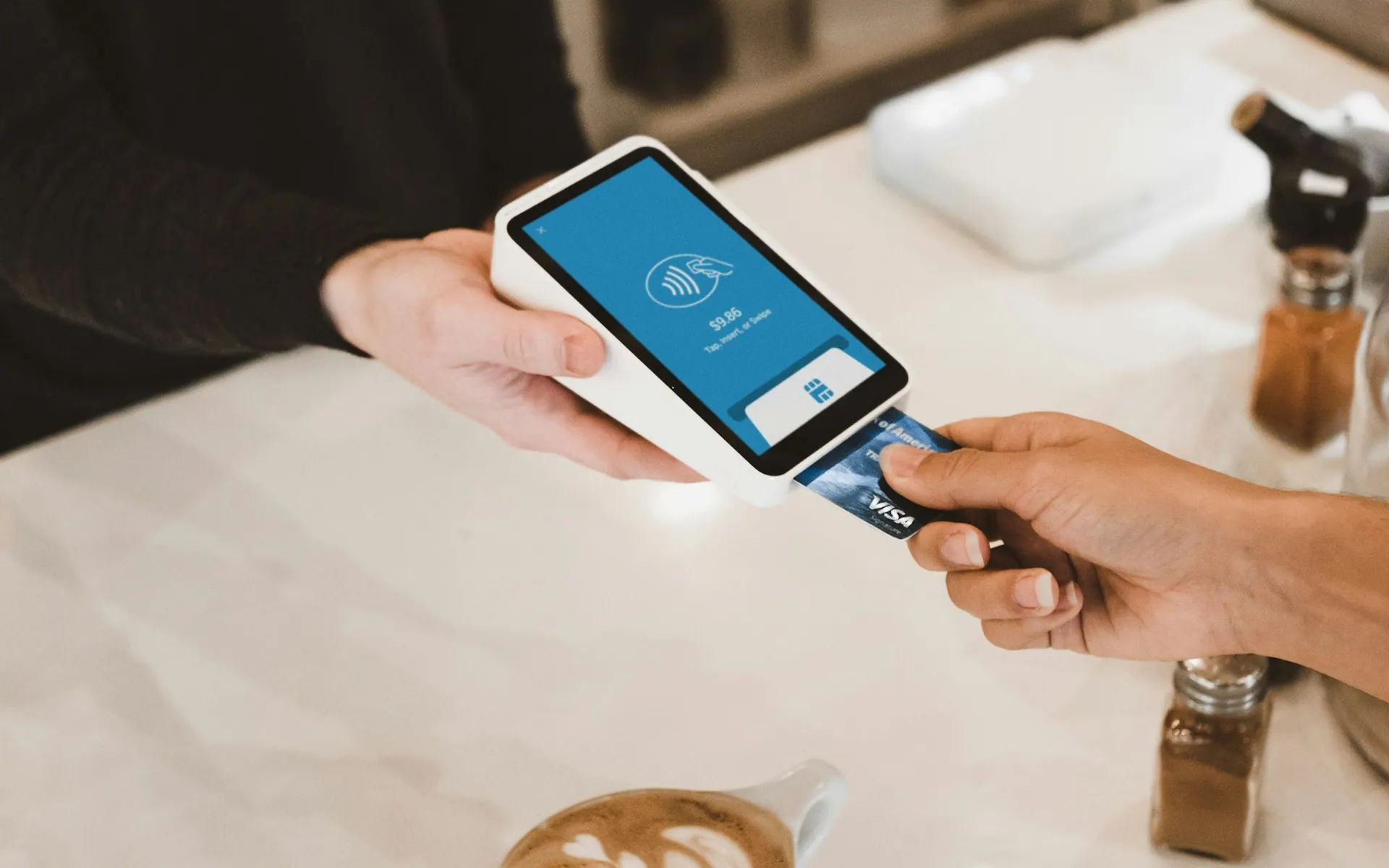
Hold or charge a deposit through Stripe when a guest books, with a no-show fee and cancellation tiers you set.

Rules engine
Trigger actions when a guest joins, is notified or is seated: award points, move zones or call a webhook.

Embeddable widget
Add a widget to your website so guests can join your queue or book a table without leaving it.

Audit log
A tamper-evident log of every queue action, and guest contact details are removed automatically after a set period.
Kiosk mode
Built for the front desk
A touch-friendly view designed for tablets at the host stand. Staff can add guests, notify, seat and manage the whole queue without leaving the kiosk.
- Live connection status
- Quick-add a walk-in party
- Zone selection
- One-tap notify and seat
- Fullscreen mode
Front door
Example- Waiting
- 5
- Notified
- 2
Party size
- 1
- 2
- 3
- 4
- 5
Zone
- Main
- Patio
How it works
Live in three steps

01
Configure
Choose a template, set up zones and resources, and define your hours and policies. The setup wizard guides you through it.02
Publish
Go live with your public queue page, embed the widget on your site, or set up kiosk mode at the door.03
Manage
Guests join from wherever they are. You see everything live: notify, seat and track from one dashboard.
Integrations
Connects to your stack
Webhooks, two-way SMS and custom fields extend the waitlist to fit the way you work.

Webhooks
Send queue and booking events to your other systems as they happen.Two-way SMS
Guests can reply to your texts, and replies such as STOP are honoured.Custom fields
Ask for what you need at sign-up: text, choices, dates or phone numbers, stored encrypted.
Guest experience
Your guests will love it
No app download needed. Guests follow their place in line from any browser, with live updates.

Join from anywhere
A QR code at the door, a widget on your website or a walk-in at the kiosk: a way in for every guest.Live position tracking
Guests see their place in line and every status change without refreshing the page.VIP recognition
Mark your regulars as VIPs and, if you turn it on, move them up the queue.
Analytics
Data-driven decisions
Track wait times, peak hours, no-show rates and completion numbers, with up to 365 days of history to plan your staffing.
- Average wait time trends
- Peak hour analysis
- No-show rate tracking
- Zone utilisation reports
- Guest feedback scores
Guests by hour
Example
Get started
Ready to eliminate the wait?
Set up your digital queue in minutes. Waitlist and reservations come with plans that include them, and deposits with plans that include deposits.