

Reservations and waitlist together
A restaurant reservation system that protects the table and the guest
A restaurant reservation system should do two things: fill the book and make sure the people in it turn up. Sopoints takes bookings from your own website, a public booking page or the Sopoints app, holds a card or takes a deposit through Stripe when you want it to, reminds the guest, and seats walk-ins from the same list. Sopoints does not charge a per-cover booking fee.
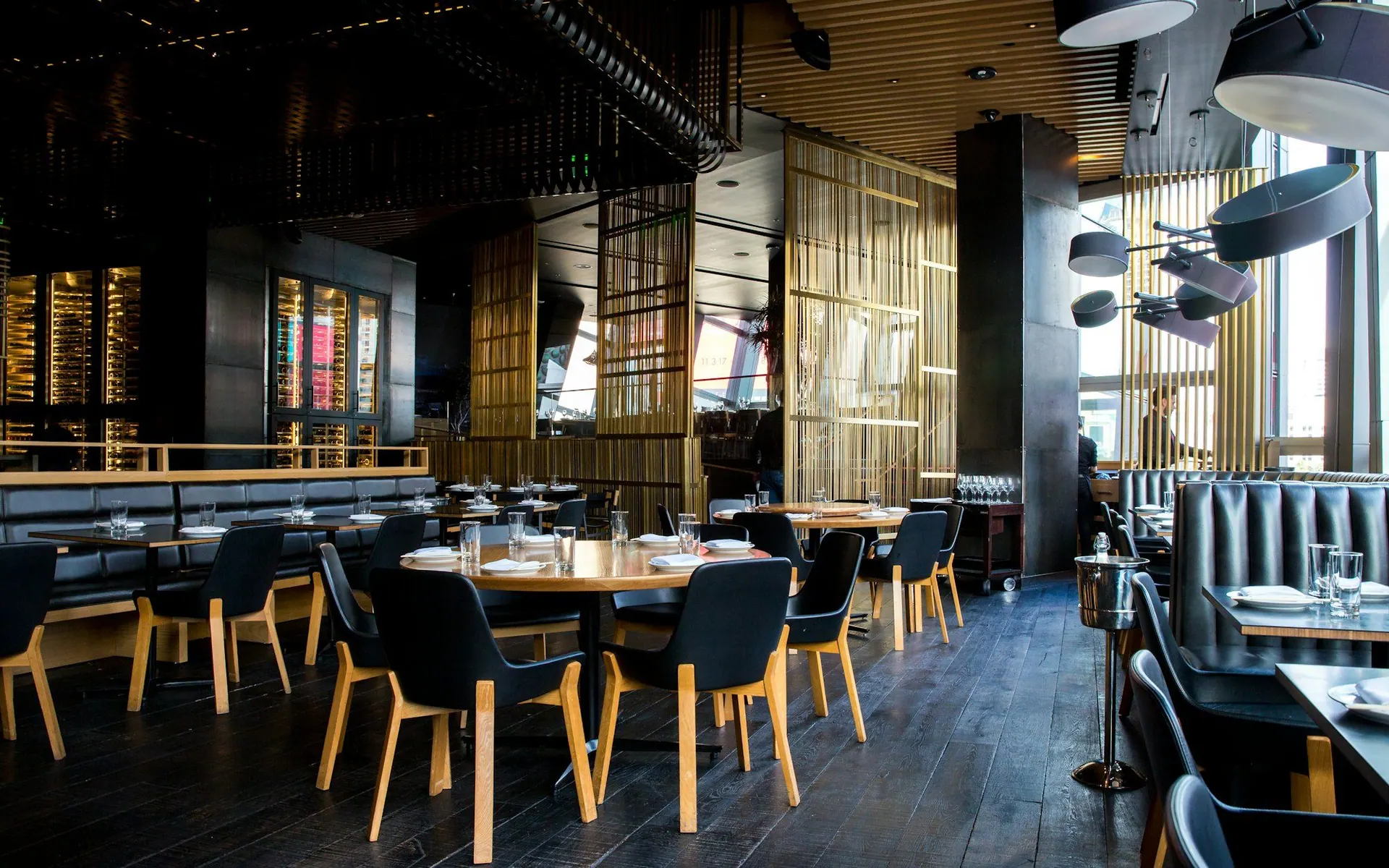
Reservations and the waitlist in one book
Most restaurants run two lists on a busy night: the reservations in one place and the walk-ins in another, with the host doing arithmetic in their head to work out whether the party of six at the door can be seated before the 7:30 booking arrives. Sopoints puts both in one view. Reservations occupy their slot and their table or zone, walk-ins fill the gaps, and the host sees exactly what is committed and what is free.
Because it is one system, the guest experience is the same whichever way they came in. A booked guest and a walk-in both get a confirmation, a live link and a "your table is ready" message, both can be assigned to a table, and both end up on a customer record you can use afterwards. Online reservation software that ignores walk-ins solves half the problem.
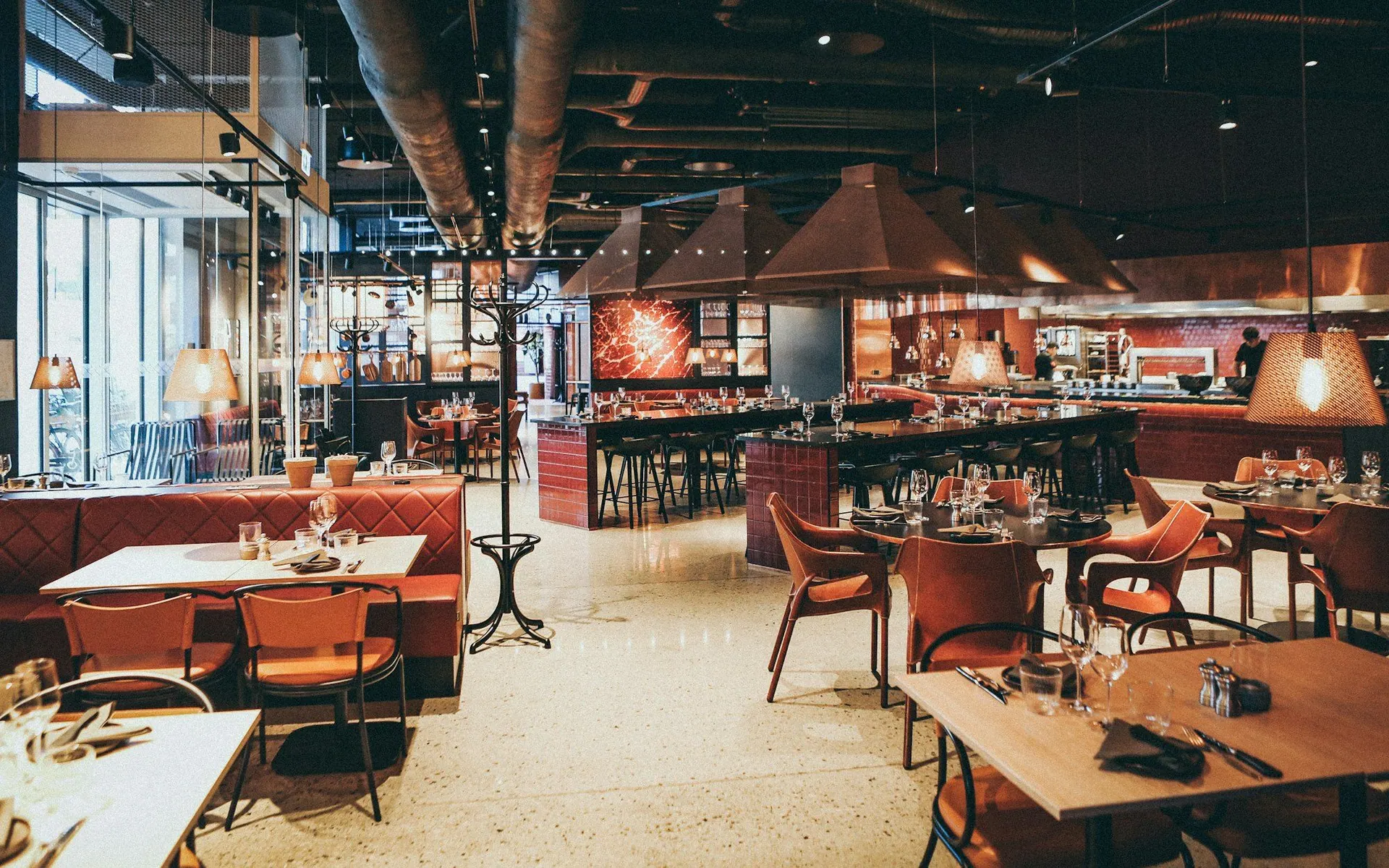
Time slots, capacity and table assignment
Define the slots you take bookings for and how many covers each can hold, overall or per zone, so the patio and the dining room fill independently. A reservation that has not been assigned to a table consumes capacity from the pool, not from every table at once, which keeps the book honest without forcing hosts to pre-assign everything days ahead.
Assign a table when the booking is made, the morning of, or when the party walks in. Reschedule or change the party size from the reservation itself and the capacity check runs again for the new slot. Blackout dates, custom fields for occasions or dietary notes, and VIP flags for regulars sit alongside the slot settings.
Deposits and no-show fees, done properly
A no-show on a Saturday is a table that earns nothing. Sopoints lets you ask for a card at booking through Stripe and choose what happens with it. A card hold authorizes the amount without charging it; when the guest shows up the hold is released and they never see a charge. If they do not, you capture the no-show fee you set, capped at the amount held. Or charge the deposit at booking and apply it to the bill or refund it under your policy.
Cancellation policies are tiered: a full refund inside the refund window, a percentage after it, and the whole deposit forfeited at or after the booking time. The policy is shown to the guest before they confirm and is recorded with the booking, so what you charge later is what they agreed to. Payouts go to your own Stripe account. Sopoints stores no card numbers; Stripe handles the card data.

Reminders and the guest experience
Guests receive a confirmation with a live link and a booking code the moment they reserve, and a reminder before the booking by SMS, push notification or email. Non-urgent messages like reminders are held during quiet hours, 21:00 to 08:00 in your venue's time zone, so nobody is texted about Friday dinner at 11 pm on Thursday. SMS is part of paid plans; see the pricing page.
From the link, guests can cancel their own booking without calling the restaurant, and staff can reschedule or resize a party in a few taps. A reply of STOP to any text is honoured automatically. When the guest arrives, checking them in releases any card hold, and the same account can earn loyalty points on the meal.
Book from your website, your Google profile or the app
The embeddable booking widget drops the reservation flow onto your own website, styled to sit with your pages. The public booking page is a standalone link for your Google Business Profile, your Instagram bio or a QR code on the menu. Guests who already use the Sopoints app for points can book from the app with their account attached.
The point is that the booking channel belongs to you. Guests book with your restaurant, on your terms, and their details land on your customer list rather than in a third party's. No POS integration is required; the reservation system works alongside whatever till you use.

The loyalty tie-in
A reservation is the most valuable piece of customer information a restaurant collects: a name, a phone number, a date and a party size, given willingly. Most table reservation software files it and forgets it. Sopoints keeps it on the same customer record that earns loyalty points, so the guest who booked for an anniversary can be thanked with bonus points, invited back with a win-back message when they lapse, or greeted by name as a VIP the next time they book.
Points are worth one cent each in your currency and go toward your own rewards, and your program works fully from day one. The reservation gets them to the table; the loyalty program gives them a reason to book again.
Honest limitations: no marketplace listing
Sopoints is not a diner marketplace. There is no consumer directory where strangers browse restaurants and pick yours; guests book from your website, your Google profile link, a QR code or the Sopoints app. If a large share of your bookings currently arrives through a marketplace listing, keep that channel while you move your own direct bookings to Sopoints. Compare what the marketplace charges per cover against what direct bookings cost you, and check their current pricing yourself.
Two other things to know before you commit. Deposits and no-show fees need a Stripe account connected to Sopoints and the deposits feature on your plan, and SMS reminders are part of paid plans. Neither is hidden, but both are worth confirming on the pricing page before a Saturday depends on them.
Choosing a deposit policy
Four ways to handle the card at booking, all run through Stripe with payouts to your own account.
| Policy | How it works | When to use it |
|---|---|---|
| No deposit | The guest books with a name and phone number. Reminders and the grace period do the work; a no-show is marked automatically. | Weeknights, small parties, neighbourhood regulars, or while you build trust in the system before asking for cards. |
| Card hold with no-show fee | The card is authorized for your no-show amount but not charged. Check-in releases the hold. A no-show captures the fee, capped at the hold. | Weekend prime time and larger parties where an empty table hurts but you do not want guests to see a charge on arrival. |
| Charge at booking | The deposit is charged when the booking is made and applied to the bill or refunded under your policy. | Tasting menus, private rooms, holidays and events where ingredients or staff are committed in advance. |
| Tiered cancellation fee | Full refund inside the refund window, a percentage of the deposit after it, and the whole deposit forfeited at or after the booking time. | Any deposit policy where late cancellations are the real problem, not outright no-shows. |
Questions
Restaurant reservation system questions
Does Sopoints charge a per-cover booking fee?
How does a card hold for a reservation work?
Can guests cancel or reschedule their own reservation?
Is it legal to charge a no-show fee?
Can I take reservations and walk-ins at the same time?
Will my restaurant be listed in a reservation marketplace?
Do I need a POS integration for the reservation system?
Fill the book and keep it full
Open reservations on your own website, choose a deposit policy that fits your room and let the same list handle walk-ins. Start free and connect Stripe when you are ready to take deposits.