A queue management system that works wherever people wait
A queue management system lets customers hold their place without standing in a line: they join on site or from their phone, see where they are, and get notified when it is their turn. Sopoints runs that virtual queue for restaurants, clinics, pharmacies, salons, service counters and pop-up events from any tablet or phone, with no ticket printers or pagers to buy.
Not just for restaurants
Restaurants made the digital waitlist famous, but a line is a line. Anywhere people wait for a person, a chair or a counter can use the same customer queue management: a walk-in clinic that wants the waiting room half empty, a pharmacy calling patients for consultations, a barbershop with four chairs and one front desk, a repair counter, a retail pickup desk or a service window with a take-a-number machine that has seen better days.
Walk-in clinics and pharmacies: patients wait in their car or a nearby shop instead of a crowded room, and staff call the next person by text.
Salons and barbershops: one queue per stylist or chair, walk-ins and regulars in the same view, and VIP flags for the people you always fit in.
Service counters and repair desks: customers drop off, leave, and come back when the text says the counter is free.
Retail pickup: shoppers join from the parking lot and staff work through orders in arrival order.
Government-style service desks and registration tables: a public join page and kiosk replace paper sign-in sheets.
Pop-up events and markets: a QR code on a sign runs a queue for the day with no equipment beyond a phone.
How a virtual queue works
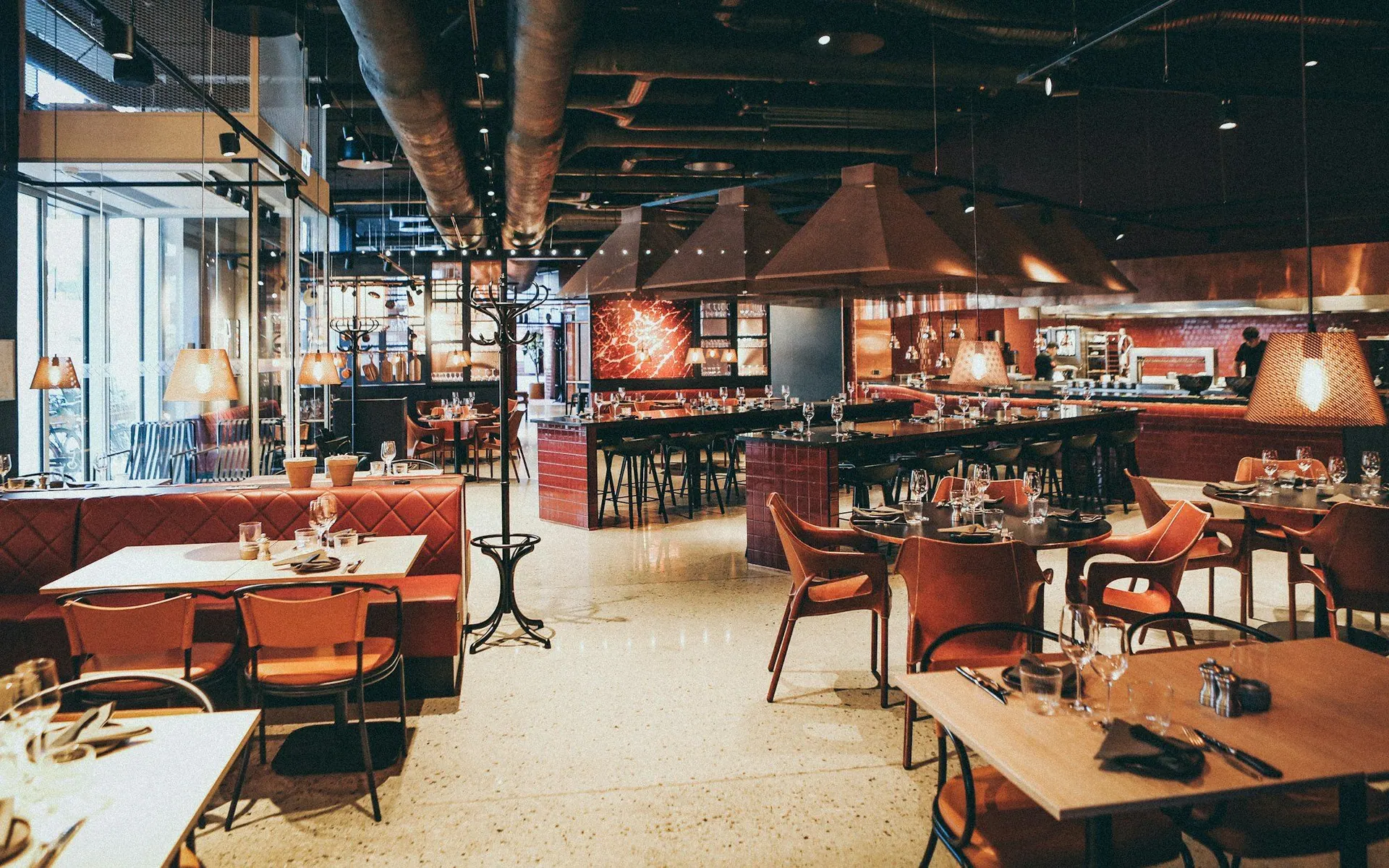
The customer joins in whichever way suits your venue: a kiosk tablet at the door, a QR code on a sign, the public join page linked from your website or Google profile, the widget embedded on your own site, or a staff member typing the name in. They give a name, a phone number and anything else you ask for, and they are in the online queue.
They immediately get a link that shows their position and an estimated wait, updating as the line moves. Staff see the whole queue on any device and call the next customer with one tap, which sends the notification. A grace period handles people who do not come back, marking them as no-shows automatically so the rest of the line is not held up. Everyone else can wait wherever they like.
Multiple queues and resources per location
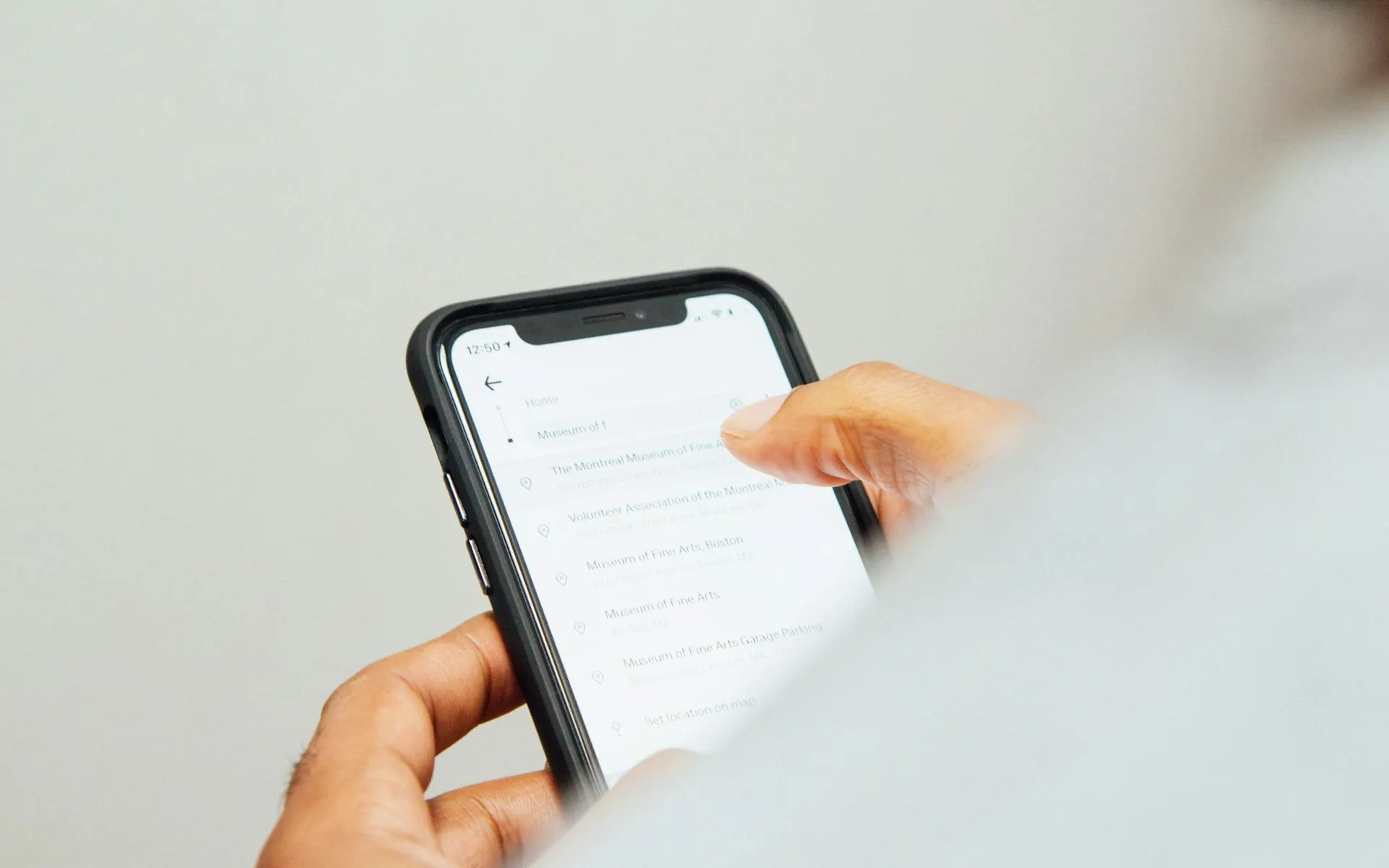
One front desk often serves several things at once. Sopoints models the chairs, counters, rooms or tables you actually have as resources, grouped into zones, and lets you assign a waiting customer to one when it frees up. A salon can run a queue per stylist while the desk sees everything in one list; a clinic can separate consultation rooms from the vaccination station.
Custom fields capture what you need at join time, such as the reason for a visit or a vehicle plate for curbside pickup. Workflow states, a rules engine and webhooks on higher plans let you add steps between "waiting" and "served" or notify another system when a customer is called. Wait estimates learn from your venue's history rather than a generic average.
Kiosk mode, public join page and website widget
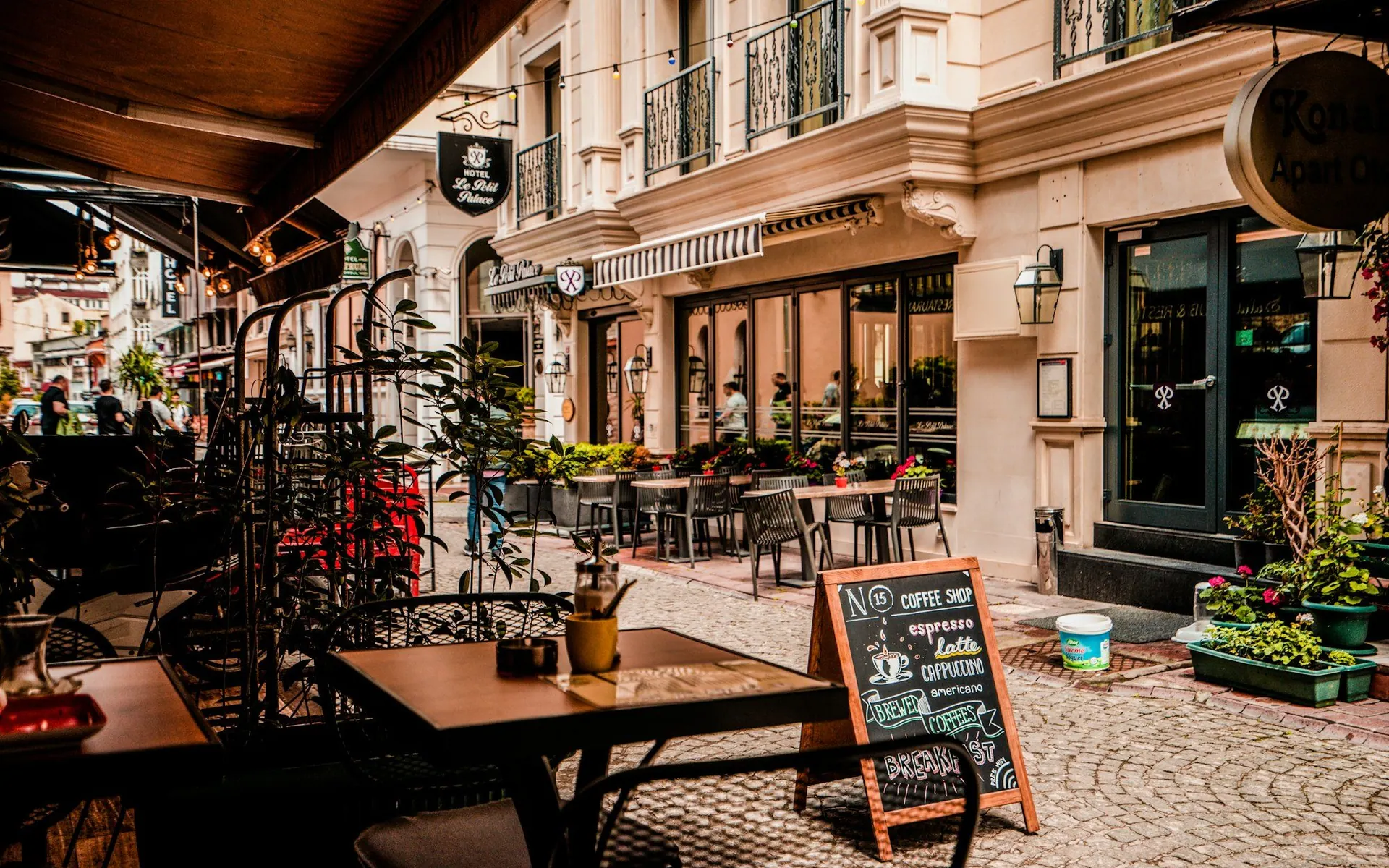
Kiosk mode turns any tablet into a self-service join point. Customers type their own details, the screen resets for the next person, and staff never have to stop what they are doing to write a name down. It suits a door with no permanent host, a clinic front desk during a rush, or a table at an event.
The public join page is a link you can put anywhere: your website, your Google Business Profile, an Instagram bio or a printed QR code. The website widget embeds the same join flow on your own pages so customers can check the current wait and join before they leave home. Both work in a phone browser with nothing to install.
Multi-location, audit trail and daily stats
Each location runs its own queue with its own hours, resources and notification wording, while the owner sees all of them from one account. Staff roles keep the front desk in the queue view and out of the settings. Multi-location is part of paid plans; see the pricing page.
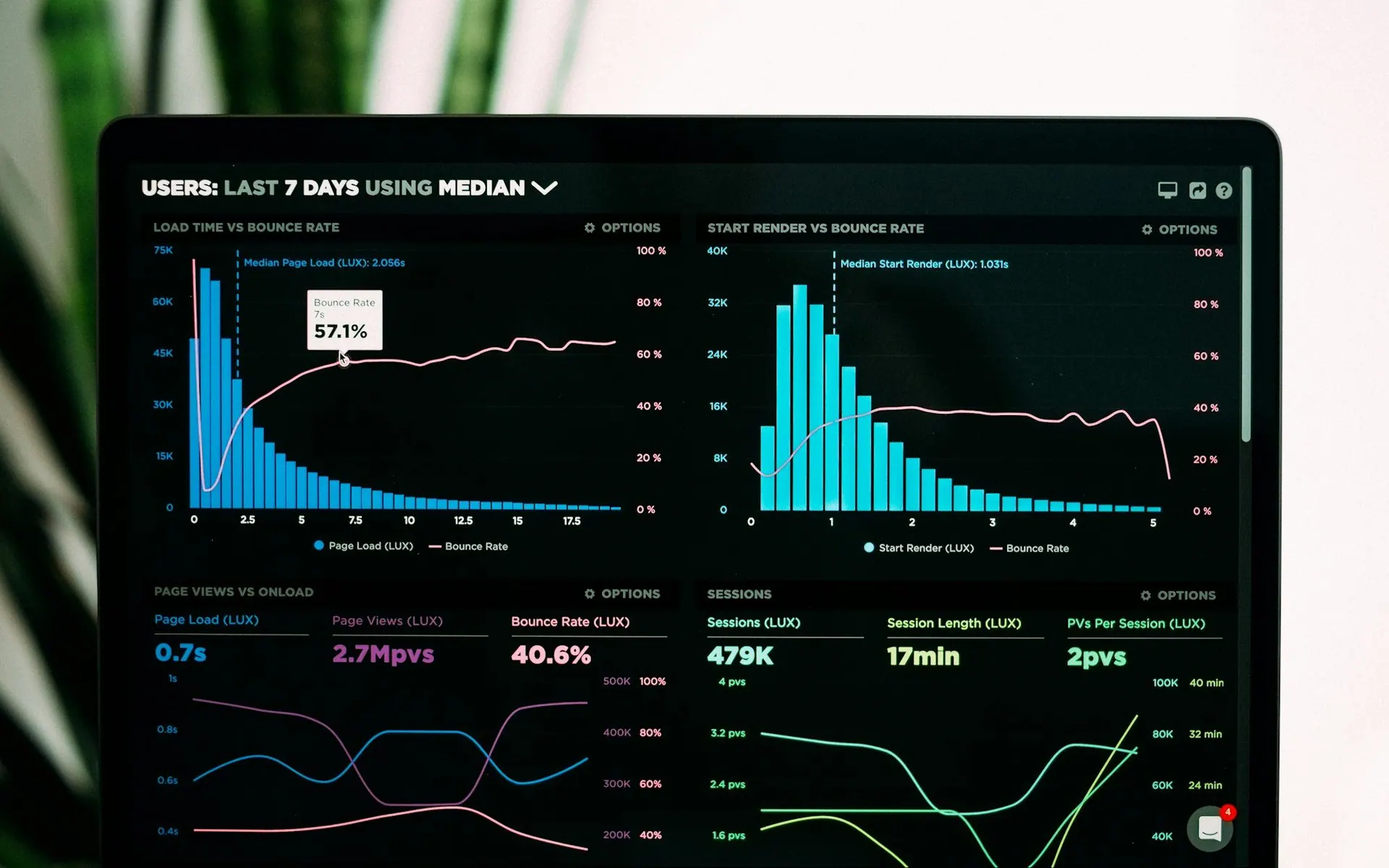
Daily stats show how many customers you served, how long they waited, how many were no-shows and when the peaks hit, so you can staff accordingly. Every join, call, seat and cancel is written to a tamper-evident audit trail, which matters when a customer says they were skipped or when you need to show how a queue was run on a given day.

Notifications that respect the customer
Queue notifications go by SMS, push notification or email. The "you are next" text is transactional: the customer asked for it when they joined. Marketing messages are a separate matter and only go to customers who have expressly opted in. A reply of STOP is honoured automatically for every future text, and non-urgent messages are held during quiet hours, 21:00 to 08:00 in your venue's time zone.
Sopoints identifies customers by phone number, QR code or NFC tap only, never by facial recognition or fingerprints, which keeps you clear of biometric privacy rules such as Illinois BIPA. Privacy and consent law differs by country and state (PIPEDA and CASL in Canada; CCPA, TCPA and state privacy acts in the United States); this is context, not legal advice.
When a take-a-number ticket is enough
Be honest about the problem you are solving. If customers wait a few minutes, can see the counter from where they stand and never leave, a paper ticket or a shouted "next" works and costs nothing. A digital queue system earns its place when people want to leave and come back, when the waiting area is too small or too crowded to be pleasant, when you run more than one queue at once, or when you need a record of who waited and for how long.
It also matters whether you want to see these customers again. A ticket number is thrown away; a phone number on a Sopoints queue is a customer record that can earn loyalty points on the same account and receive a win-back message later. If that matters to your business, the queue is the cheapest way to start collecting it.
One queue system, many kinds of line
Examples of how different venues set up the same virtual queue.
| Venue | Who waits | How they join | Useful setting |
|---|---|---|---|
| Restaurant | Walk-in parties | Kiosk, QR code or host entry | Tables and zones, grace period for no-shows |
| Walk-in clinic or pharmacy | Patients and caregivers | Kiosk or public join page | Rooms as resources, custom field for reason of visit |
| Salon or barbershop | Walk-ins and regulars | QR code at the desk or website widget | One queue per stylist or chair, VIP flags |
| Service or repair counter | Drop-off customers | Staff entry or kiosk | Custom fields for item or ticket number |
| Retail pickup | Shoppers collecting orders | Public join page from the parking lot | Custom field for order number, short grace period |
| Pop-up event or market | Attendees | QR code on a sign | Kiosk mode on a single phone, daily stats afterwards |
Queue management system questions
Keep reading
Put your line on their phone
Create a queue, print a QR code and let the next customer join from wherever they are standing. Start free with no credit card, and add locations, SMS and loyalty as your front desk grows.
Sopoints
Universal loyalty rewards that work everywhere. Join the coalition and start earning points today.
Product
Loyalty SystemUniversal Loyalty ProgramDigital Loyalty CardsNFC Tap-to-EarnScan & PayQR Code PaymentsFeaturesPricingRewards ProgramLoyalty for Small BusinessWaitlist & QueueRestaurant Waitlist AppFor MerchantsGet StartedFor CustomersSecurity & Compliance
PCI-DSS
SAQ A
GDPR
Compliant
CCPA
Compliant
OWASP
Secured
NIST CSF
Aligned
© 2025 SoPoints. All rights reserved.
Made with ❤️ for merchants and customers