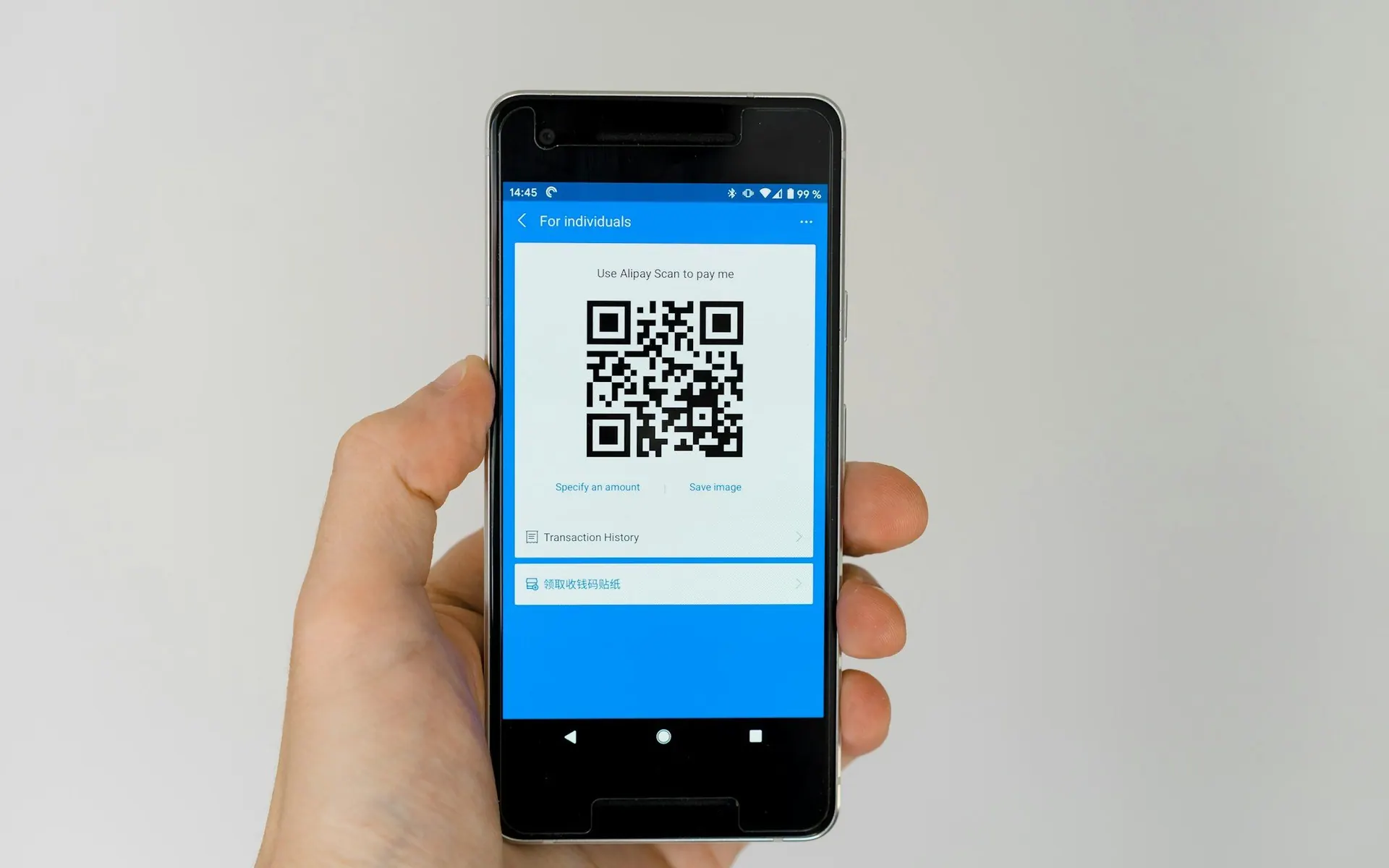
QR code payments for small business, no terminal required
A QR code payment lets a customer pay you by pointing their phone camera at a code instead of tapping a card on a terminal. With Sopoints, the payment happens in the free Sopoints app through Stripe, and the customer earns loyalty points on the same transaction. This page explains how a QR code payment system works, what you need to get started (nothing to buy), and when a card terminal is still the better tool.
How QR code payments work
Every QR code payment starts the same way: you show a code, the customer scans it with their phone camera, and their phone opens a payment screen. The code carries who is being paid and, in most cases, how much. The customer confirms, the payment processor charges their card or mobile wallet, and both sides get a confirmation. No card changes hands and nothing is typed into a terminal.
There are two kinds of code. A dynamic code is generated for one specific charge from the Sopoints POS screen on your phone, tablet or counter computer. The amount is fixed and the code expires after a short window, so it cannot be reused. A static code is printed once and stays on your counter; the customer types the amount into the app themselves. Dynamic codes suit a staffed till. Static codes suit a stall, a window or a self-serve counter.
With Sopoints, the scan opens a page that only confirms which business is being paid, then hands the payment to the Sopoints app. Card details are never entered in a browser. Stripe processes the charge, and the money is paid out to your own Stripe account, not to Sopoints. The receipt, the points and the customer record all come from that single scan.
What the customer needs, and what you need
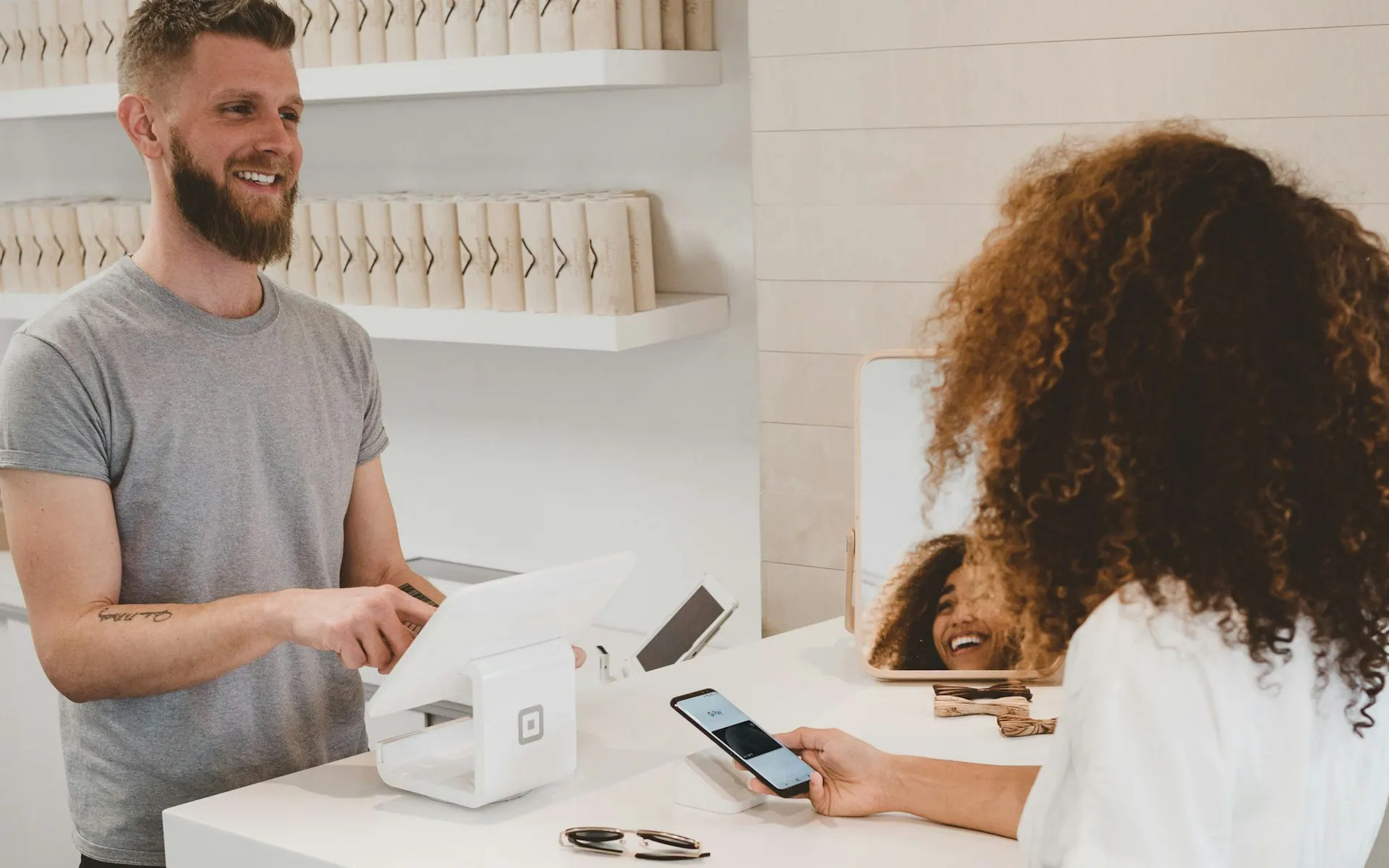
The customer: a phone with a camera and the free Sopoints app, with a card, Apple Pay or Google Pay saved in it. No cash and no physical card at the counter.
You: a Sopoints account with Scan & Pay on your plan, and completed Stripe onboarding so payouts land in your own Stripe account.
No terminal, no card reader, no hardware lease. The dynamic code is shown from the Sopoints POS screen on any device you already own; the static code is a printout.
Any POS, or none. Sopoints runs alongside whatever you use to ring up sales, and no POS integration is required.
Payouts follow your Stripe payout schedule, in CAD for Canadian businesses and USD for businesses in the United States.
Until onboarding is complete, a customer who scans your code is told you are not taking QR payments yet. They can still pay as usual and earn points.
Are QR code payments secure?
Dynamic codes are short-lived and tied to one fixed amount. A screenshot of an old code cannot be reused to pay, or to redirect a customer to someone else.
Card details are never typed on a web page. Payment happens inside the Sopoints app through Stripe, so Sopoints never sees or stores a card number (PCI-DSS SAQ A).
Apple Pay and Google Pay add device authentication, so a lost phone is not a lost card.
Your business name appears on the cardholder statement, which cuts down on "what is this charge?" questions and the disputes that follow them.
If a merchant account is suspended, its codes stop taking money immediately, including printed static codes still stuck to a counter.
Every payment is recorded against a known customer account, so a questionable charge has a name and a history attached, not just a card number.
Why pair QR code payment with loyalty
A card tap tells you almost nothing about who paid. A QR code payment through Sopoints is made from a loyalty account, so every payment becomes a known-customer visit. You see the visit count, the spend and the last visit date for each customer without asking anyone to sign up at the counter or scan a second code.
That removes the biggest friction in most loyalty programs: the extra step. Customers forget to mention the program, staff forget to ask, and the visit is never recorded. When paying is the loyalty step, the earn rate is the payment rate. Points are added on the same transaction, and the customer sees the new balance in the app before they leave the counter.
Points earned this way are Loyalty Wallet Points, worth one cent each in your currency and spendable across participating Sopoints businesses. A customer who earned with you can redeem with you, and a customer who earned elsewhere in the network has a reason to walk in. Your own program works fully from day one, whether or not other businesses near you have joined yet.
Where QR code payments fit best
Counter service: cafes, bakeries, bubble tea and quick-service restaurants where the line moves and the till is already a tablet.
Food trucks and pop-ups: a printed static code on the window takes payments without a terminal, a data plan for a reader, or a card machine that quits in the cold.
Markets and craft fairs: vendors without a fixed location can take card, Apple Pay and Google Pay from a code on a table sign.
Salons, barbers and spas: charge the exact service amount from the POS screen at the chair, and the visit lands on the client’s loyalty account.
Retail with a loyalty program already running: replace "did you want to scan your points?" with a single scan that does both.
Businesses with more than one location: each site shows its own code, and every location feeds one customer list.

When a card terminal is still the better tool
QR code payment is not a fit for every counter, and pretending otherwise would waste your time. If a meaningful share of your customers do not carry a smartphone, or would rather not install an app to pay, they need a card terminal or cash. Keep it. Sopoints runs alongside any POS, so the QR code is an extra way to pay, not a replacement you are forced to choose.
Very high-volume lines, such as a drive-through or a stadium concession, are built around the card tap. Asking every customer to unlock a phone, open an app and scan adds seconds, and at that volume seconds are the whole game. The same applies when the customer never reaches a counter at all.
And if you do not want a loyalty program, a plain payment processor is the simpler choice. Sopoints QR payments exist to make paying and earning one step, so that every sale builds a customer list you can market to later. Without the earning half, the pairing has less to offer you than a standard reader would.
Refunds and record-keeping
Refunds are issued from the Sopoints merchant dashboard, in full or in part, and go back to the card or mobile wallet the customer paid with. The loyalty points earned on that payment are clawed back in proportion, so a half refund removes half the points. The customer is notified of both the refund and the points change.
Every QR code payment is listed with the customer’s name and contact details, the amount, the payout status and any refund, so reconciling against your Stripe account is straightforward. Customers see the same transaction in their app with your support email and phone on it, which means fewer "who charged me?" messages reaching your inbox.
QR code payment vs card terminal vs cash
How the three ways of taking money at a counter compare on the questions owners actually ask.
| QR code payment (Sopoints) | Tap-to-pay terminal | Cash | |
|---|---|---|---|
| Hardware to buy | None. Show the code from any phone, tablet or computer, or print a static code | A card terminal or reader, plus the phone or POS that drives it | A cash drawer or till |
| Customer identified | Yes. Every payment is tied to a loyalty account | No, unless they also scan a loyalty code or give a phone number | No |
| Earns loyalty automatically | Yes, on the same transaction | No. A separate loyalty step is needed | No. A separate loyalty step is needed |
| Works cross-border (CA and US merchants) | Yes. Canadian and US businesses are paid out in CAD or USD to their own Stripe account | Depends on the provider and your contract | Yes, but you handle the currency yourself |
| Refund path | From the merchant dashboard, full or partial, points clawed back in proportion | From the terminal or the processor’s dashboard | Hand the cash back and keep your own record |
QR code payment questions
Keep reading

Start taking QR code payments this week
Create a free Sopoints account, complete Stripe onboarding, and show your first code from the device you already own. No terminal, no contract and no credit card to start. See the pricing page for which plan includes Scan & Pay.
Sopoints
Universal loyalty rewards that work everywhere. Join the coalition and start earning points today.
Product
Loyalty SystemUniversal Loyalty ProgramDigital Loyalty CardsNFC Tap-to-EarnScan & PayQR Code PaymentsFeaturesPricingRewards ProgramLoyalty for Small BusinessWaitlist & QueueRestaurant Waitlist AppFor MerchantsGet StartedFor CustomersSecurity & Compliance
PCI-DSS
SAQ A
GDPR
Compliant
CCPA
Compliant
OWASP
Secured
NIST CSF
Aligned
© 2025 SoPoints. All rights reserved.
Made with ❤️ for merchants and customers